
Just capture your pieces on your phone and record them.
Tougei Techo beautifully organizes your creative journey so you can revisit it anytime.
Firing data can be exported as CSV and images!
Enrich your pottery life, deepen your craft.
Record firing, glazes, and clay in one place
A digital notebook to record process photos, glaze recipes, and firing temperatures.
Just capture your pieces on your phone and record them.
Tougei Techo beautifully organizes your creative journey so you can revisit it anytime.
Firing data can be exported as CSV and images!
"Tougei Techo" (陶芸手帖) is a digital pottery notebook app specialized for recording your pottery creation process.
It helps you manage process photos, glaze recipes, and firing data all in one place, supporting your pottery life.
What was that glaze recipe again?
I can't remember how I made that piece…
I want to track my progress, but paper notes get messy…
Wheel throwing, bisque firing, glazing, final firing.
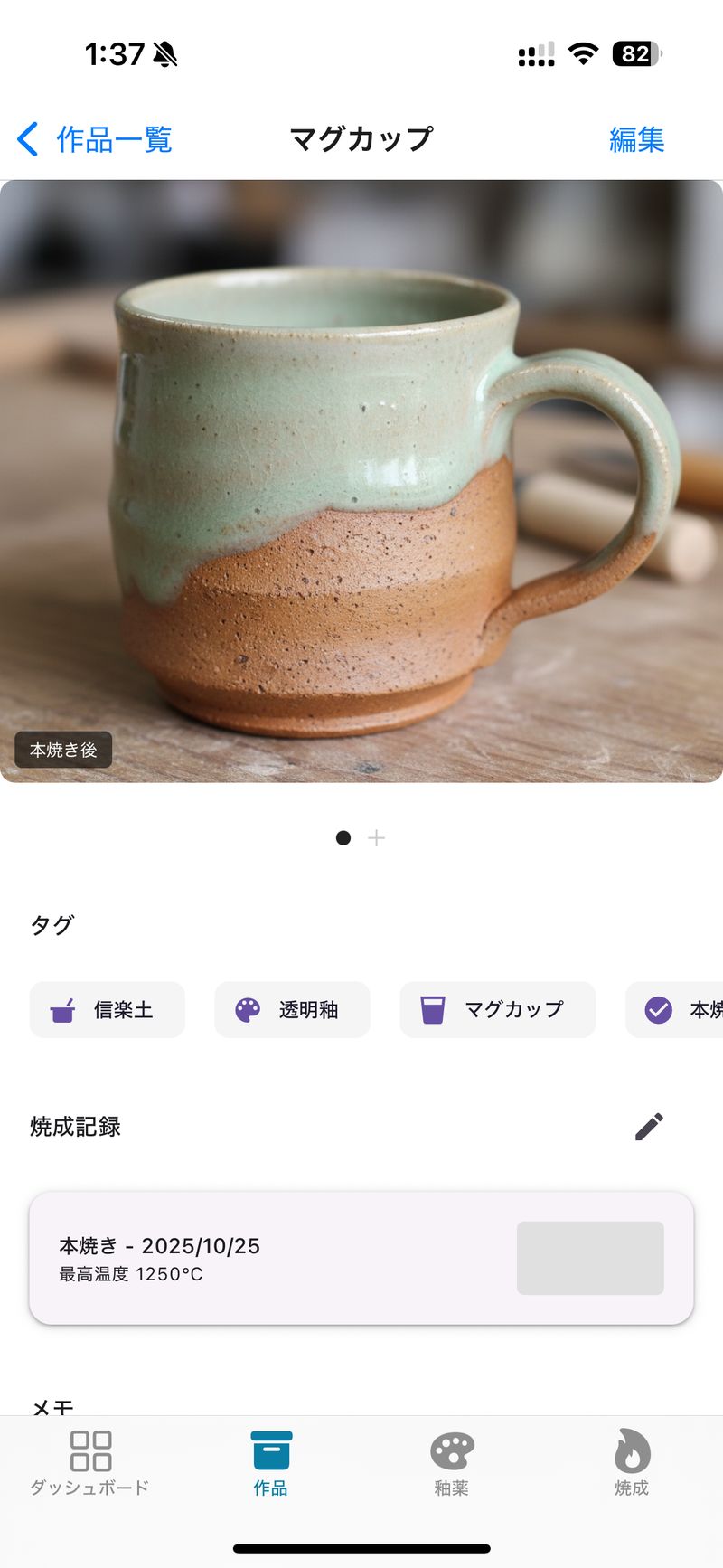
Record photos for each step in chronological order and review the evolution of your work.
Keep track of test recipes and firing results.
Never repeat the same mistake.
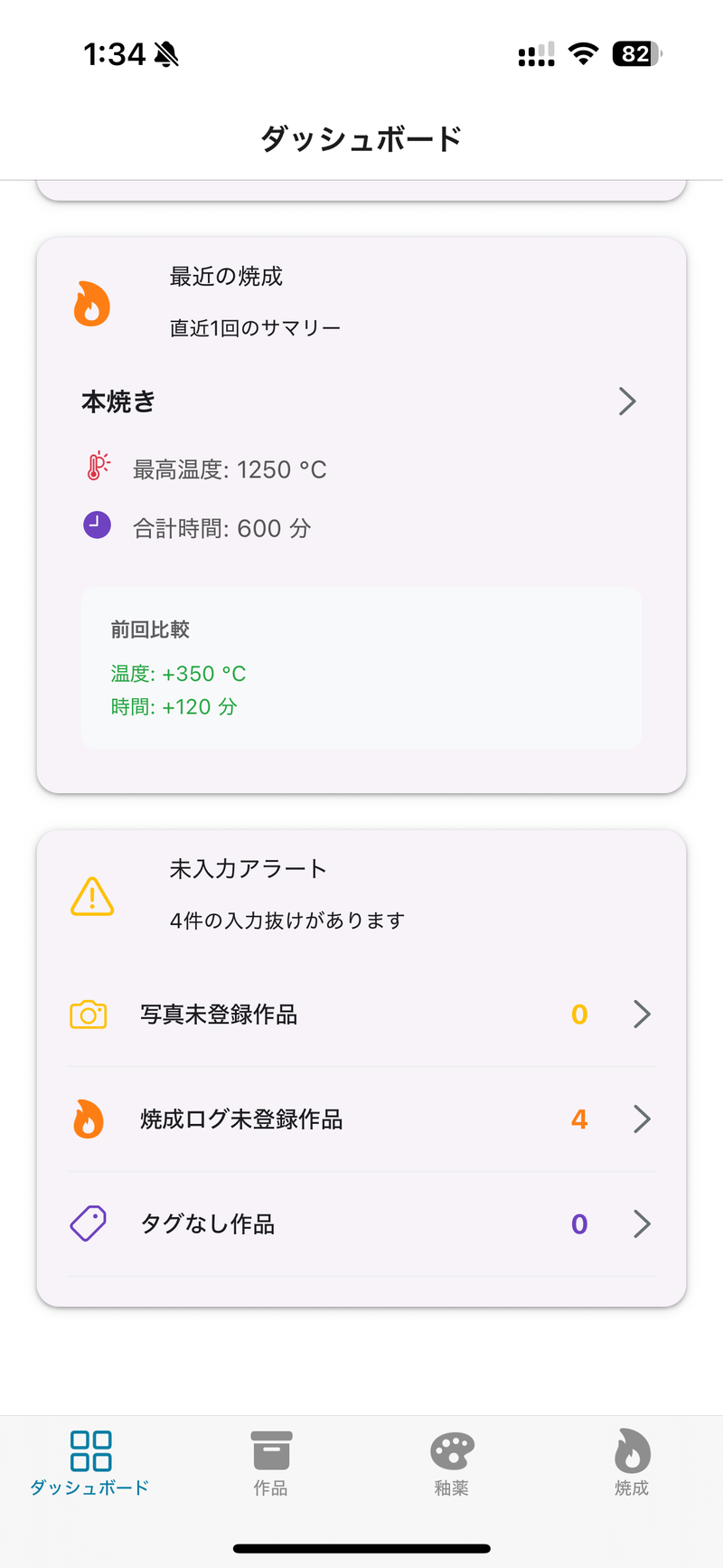
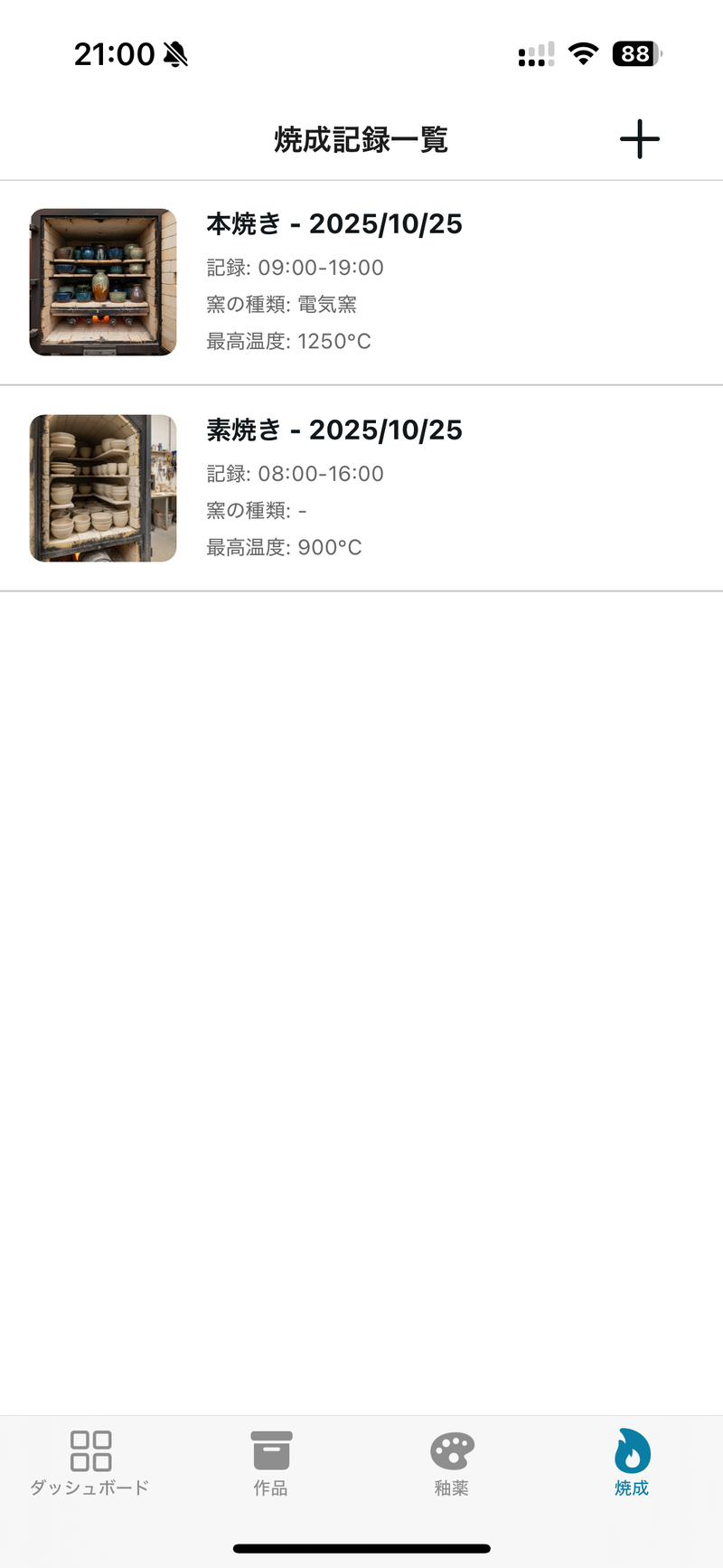
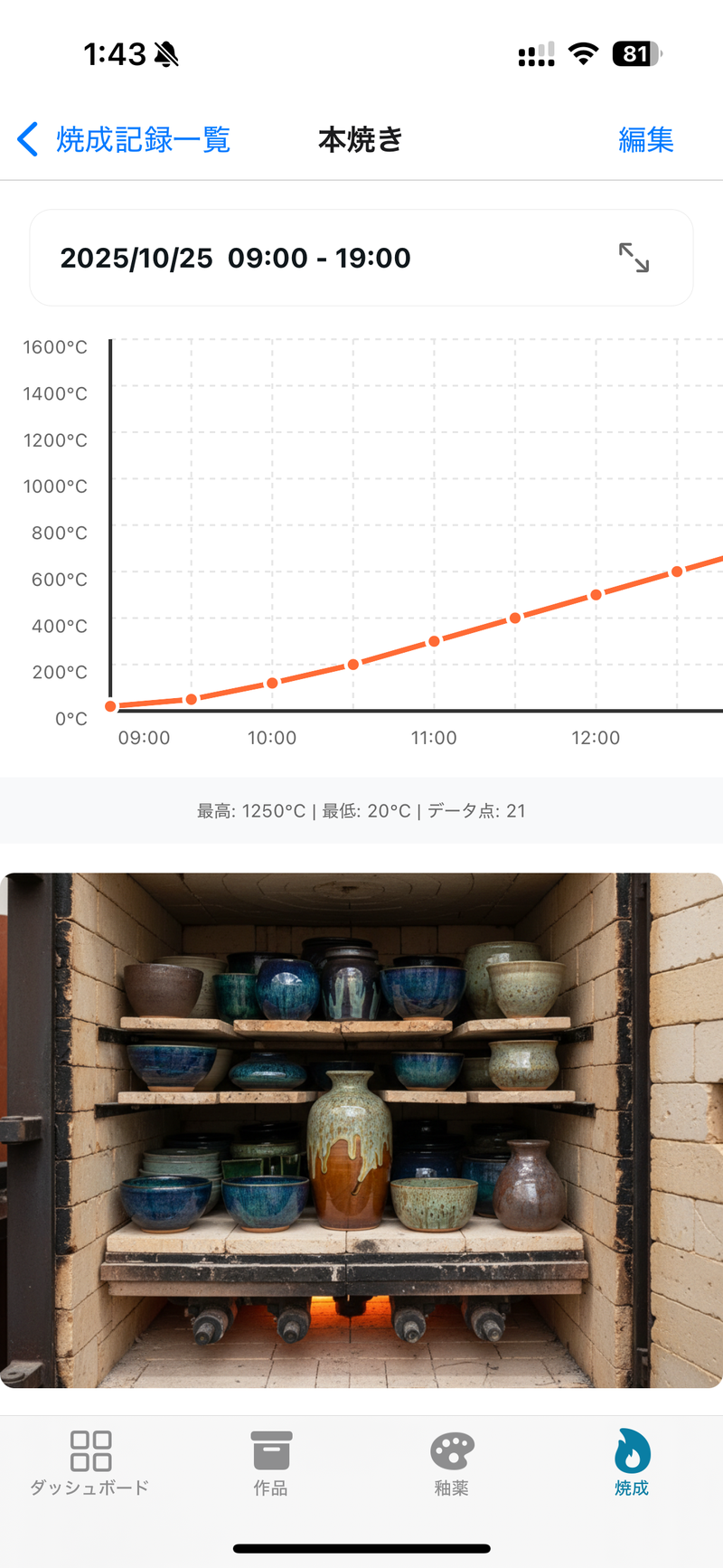
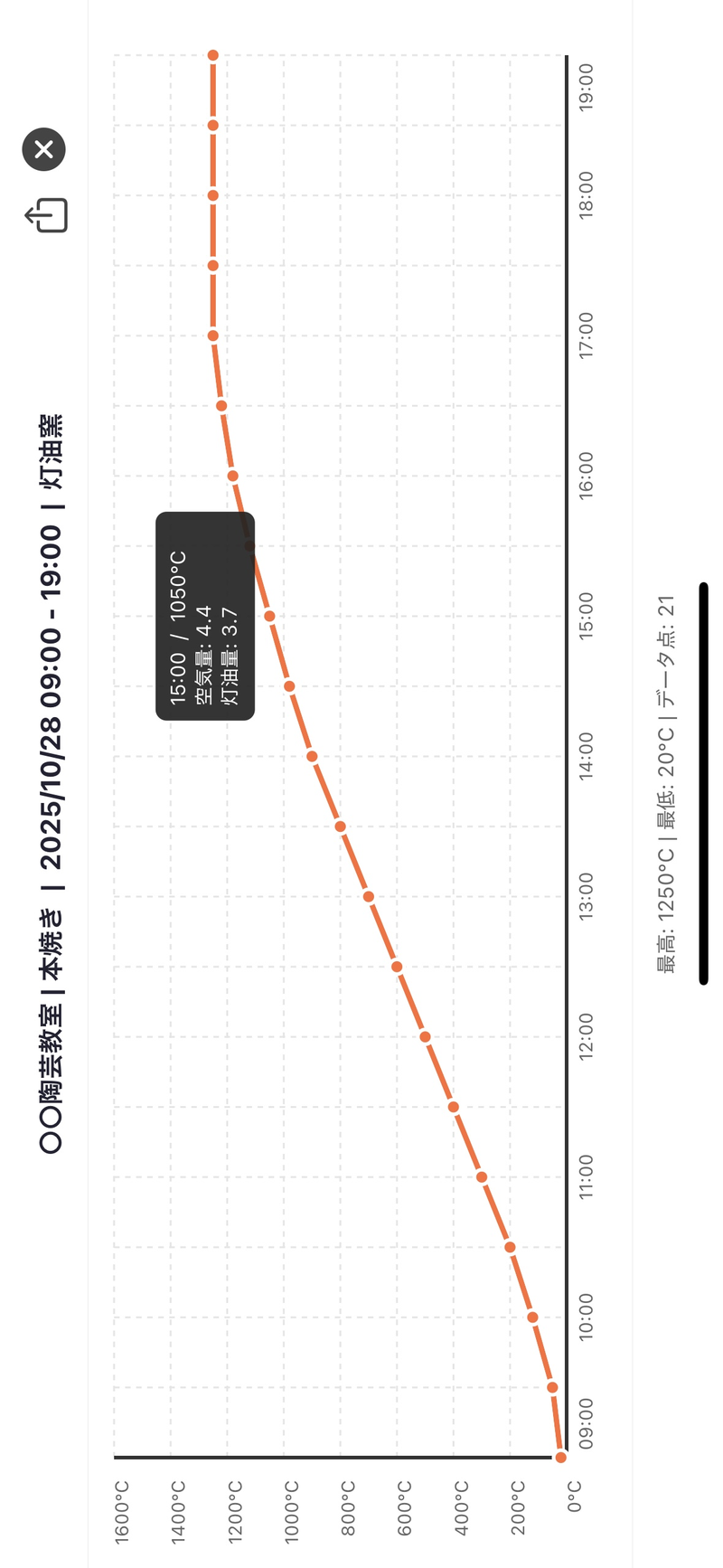
Log kiln temperature changes and compare with past data.
Pursue your ideal firing.
Graphs can be exported as images.
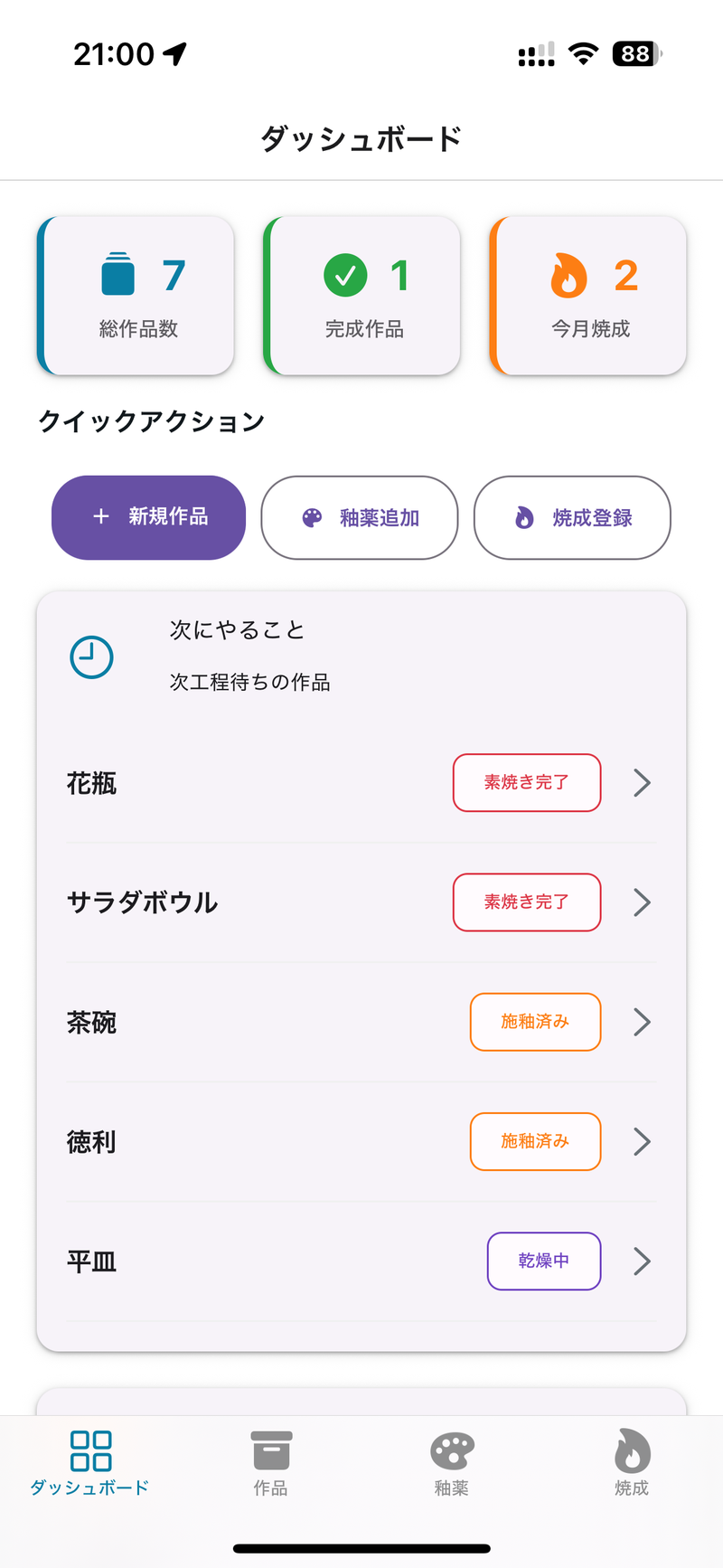
See at a glance which stage each piece is in.
Forming, bisque firing, glazing, final firing—save photos of each step chronologically.
Manage each piece's progress and see at a glance what stage it's in.
A pottery notebook feature that lets you compare with past works and feel your skill growth.
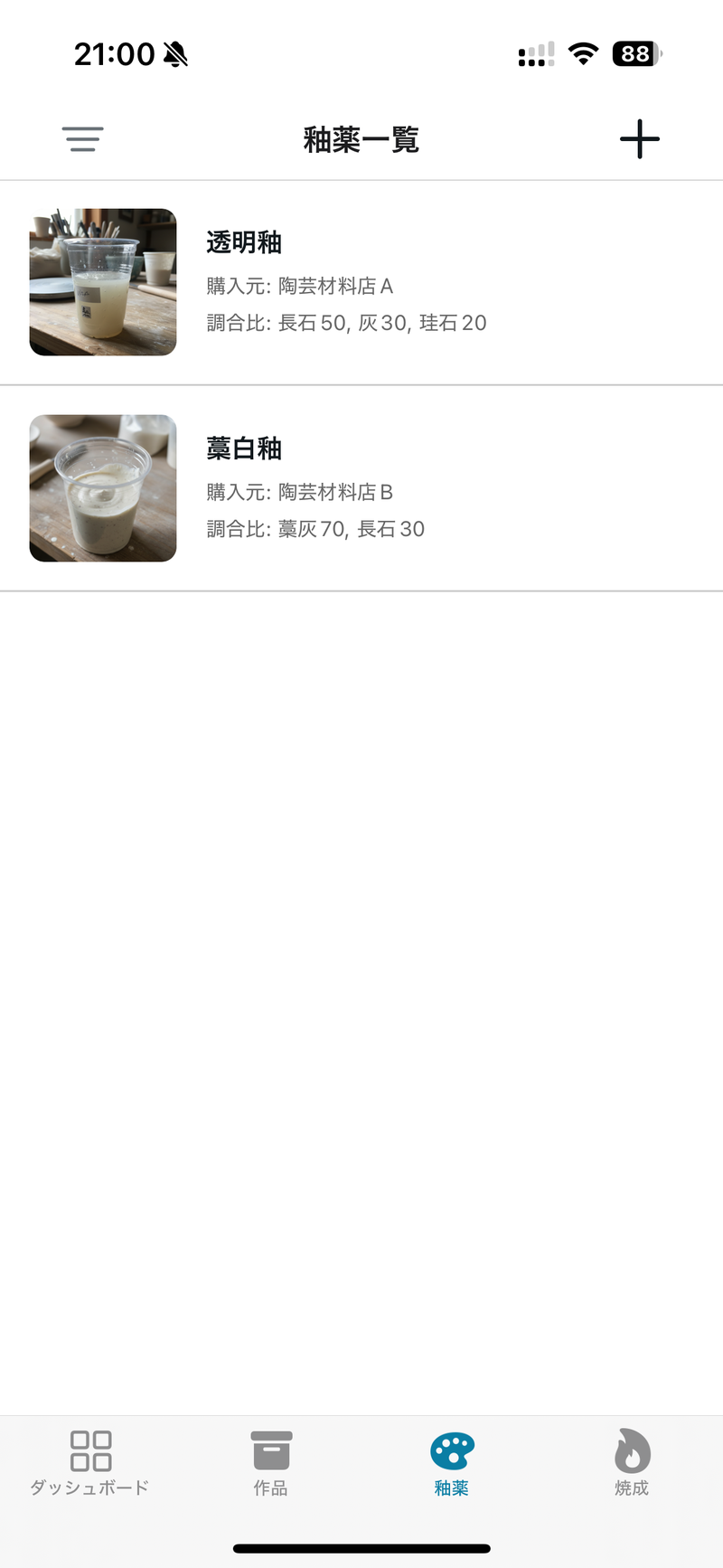
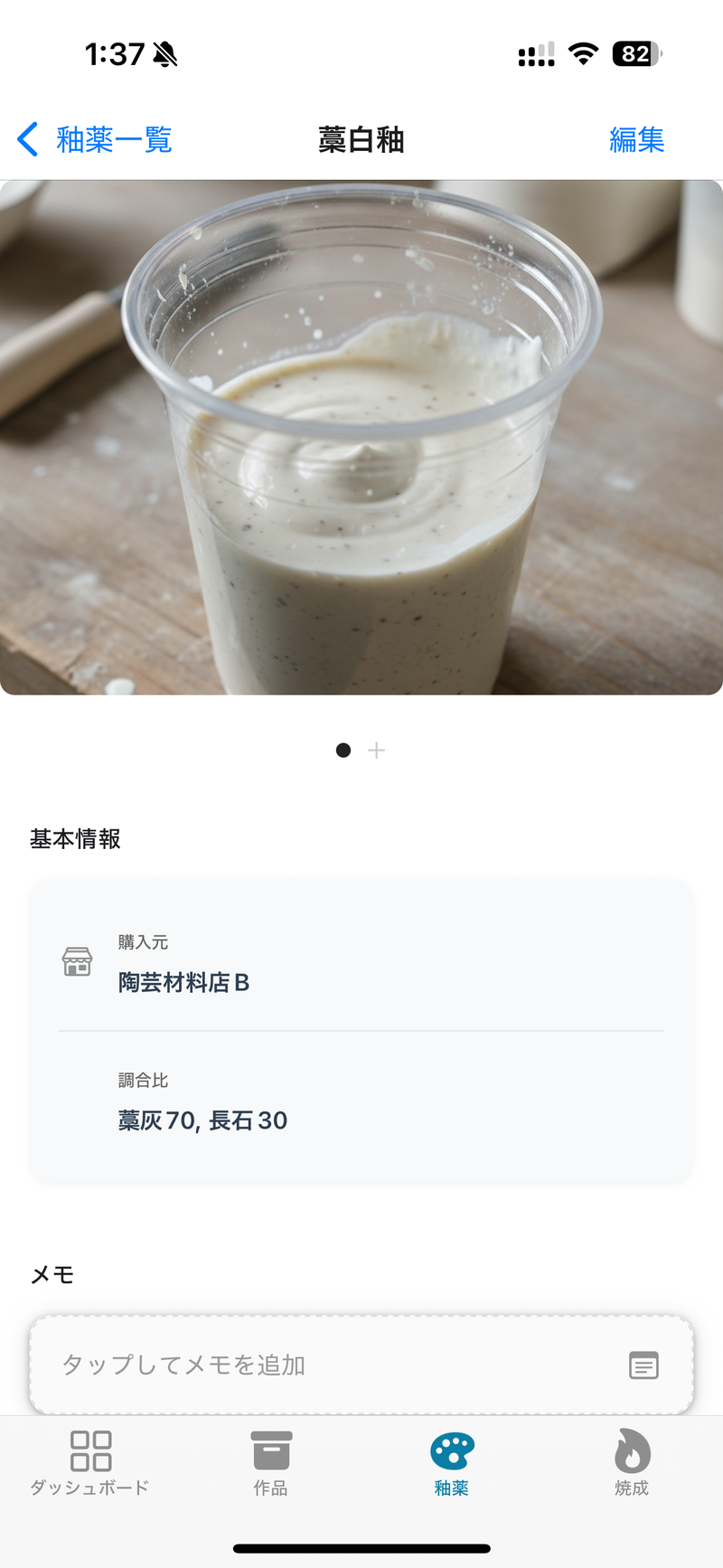
Centrally manage glaze information: mixing ratios, suppliers, base glazes, color samples.
Solve the problem of "How did I make that color?"
By recording test batches and firing results, you can consistently reproduce your ideal coloration.
You can also note compatibility with clay types, so you won't repeat failures.
Record kiln temperature progression and compare with past data.
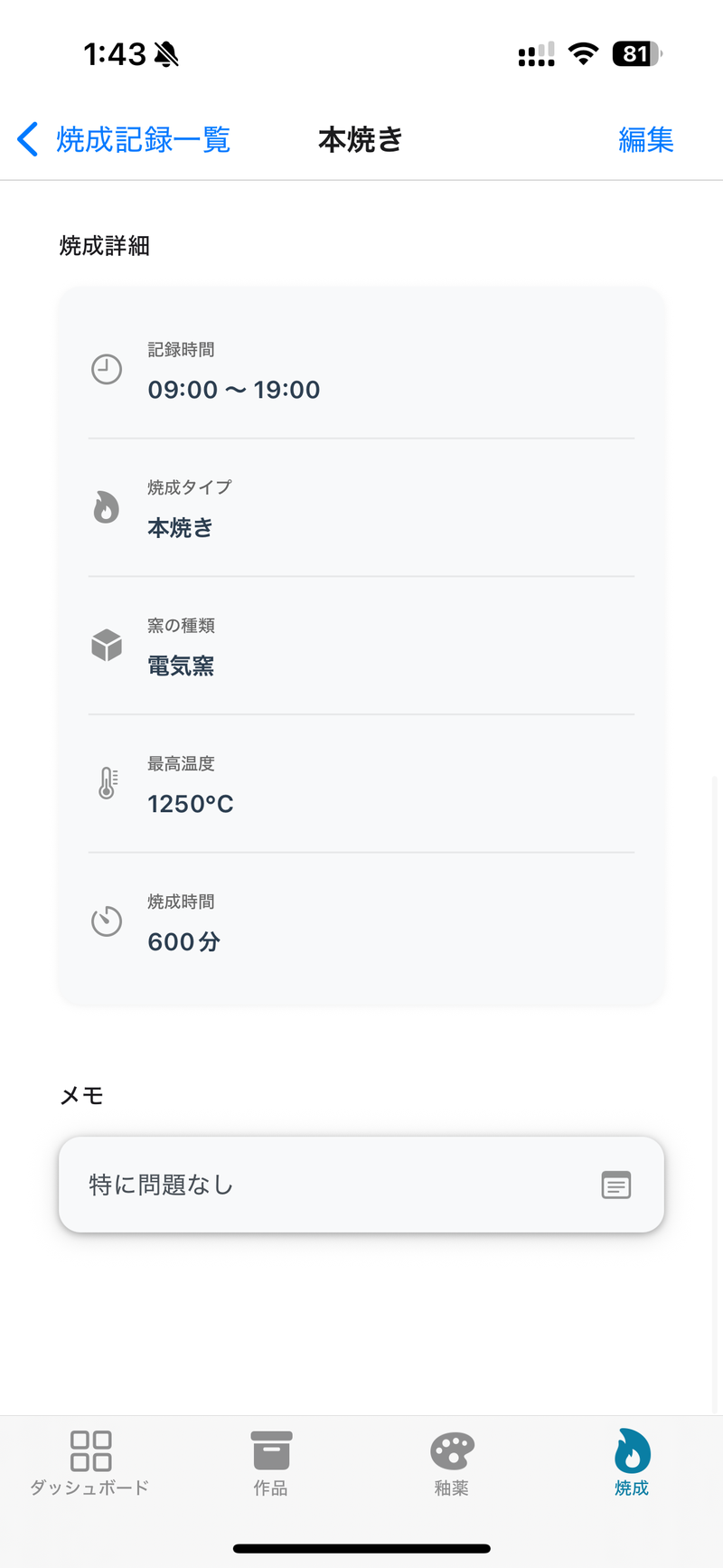
Manage temperature curves for reduction/oxidation firing, heating rates, and hold times in detail.
Check graphs of temperature progression and apply insights to the next firing.
You can also note air volume and fuel amounts, perfecting your firing records.
Graphs can be exported as images, convenient for classroom sharing or social media posts.
No internet connection required—record in the studio or anywhere.
Everything, including photos, is stored on your phone, so no need to worry about connectivity.
Your data is safely kept on your device, with complete privacy protection.
Offline support means you can use it in remote studios or even while traveling abroad.
Work with a creation checklist to confirm steps.
Record why failures happened and apply lessons next time.
See your progress through photos.
Digitize glaze formulation data.
Accumulate firing records to stabilize work quality.
Streamline the cycle of verification and improvement.
Centrally manage student work progress.
Learn techniques and advice from teachers at your studio.
Record firing data to use for the next kiln session.
You can save mixing ratios and suppliers for each glaze and link them to your pieces. By recording test recipes and firing results, you'll never repeat the same mistake. You can manage detailed information including base glaze types, additive ratios, and combinations with firing temperatures.
You can record kiln temperature changes in graphs and compare them with past data. Visualize the relationship between reduction/oxidation and temperature progression to pursue your ideal firing. Recording is typically at 30-minute intervals, but can be adjusted to your needs. Graphs can be saved as images, making record management easy.
You can record each step—wheel throwing, bisque firing, glazing, final firing—with photos. Review them chronologically and visualize your work's growth. You can leave notes at each step, so you can record "what techniques I tried at this point."
You can complete everything on your smartphone. Take photos in your studio and record them on the spot, checking data immediately. This is a mobile app only, with no computer version.
Basic features are available for free. We may add paid plans in the future, but features you're currently using will not suddenly become unavailable.
Data is stored on your phone. Firing records can be exported in CSV or image format. When changing phones, use your OS's standard backup features like iCloud or Google Drive.
With records, you won't repeat the same mistakes. Reproduce successful patterns.
Compare with past works and see your growth. Maintain motivation.
No more searching through paper notebooks. Quickly check on your phone.
No internet needed. Use anywhere. Data safely stored on your phone.
Review data, form hypotheses, and improve. Enable a scientific approach.
Leave recording to the app and focus on creation. More time to exercise creativity.
The app is complete. We'll send official release and update news.
If you'd like, please enter your email address.
We will never charge for signing up.